Name your sessions
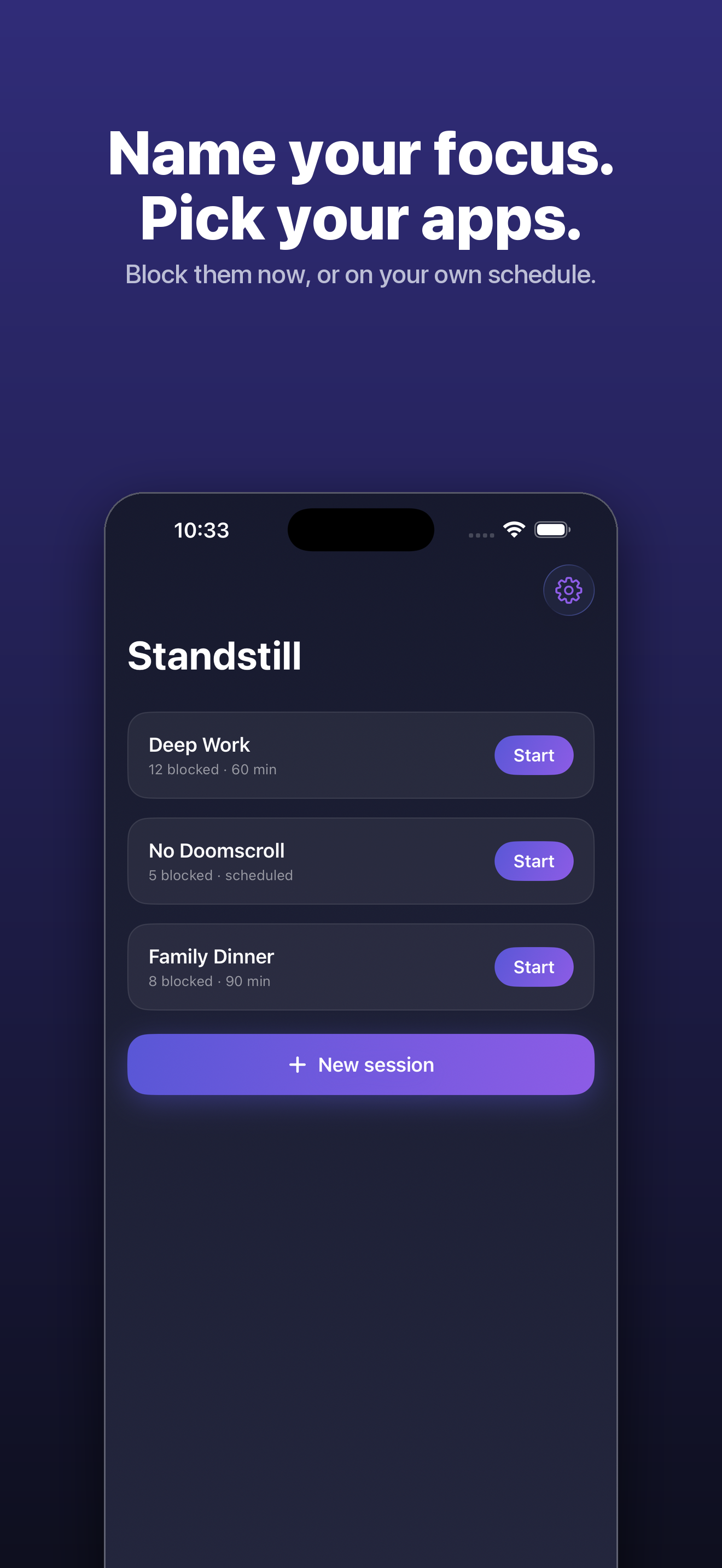
Choose the apps and categories to quiet. Give each session a name—Deep Work, Family Dinner, or your own—and start it now or on a schedule.
/// Focus · Private by design
Name a focus session. Choose the apps and categories you want to quiet. When you reach for one, Standstill gives you a moment to breathe and choose what happens next.
Free to start · iPhone · No account required
/// The problem
The apps that pull you in are engineered to. A hard lock can feel like punishment; doing nothing leaves the reflex untouched. Standstill creates a small, deliberate beat between the reach and the scroll—so the choice stays yours.
Meet the pause that leaves you in control/// What Standstill does
Put a little space between the reflex and the scroll. Standstill helps you keep the promises you make to yourself without pretending a blocker can be impossible to bypass.
Choose the apps and categories to quiet. Give each session a name—Deep Work, Family Dinner, or your own—and start it now or on a schedule.
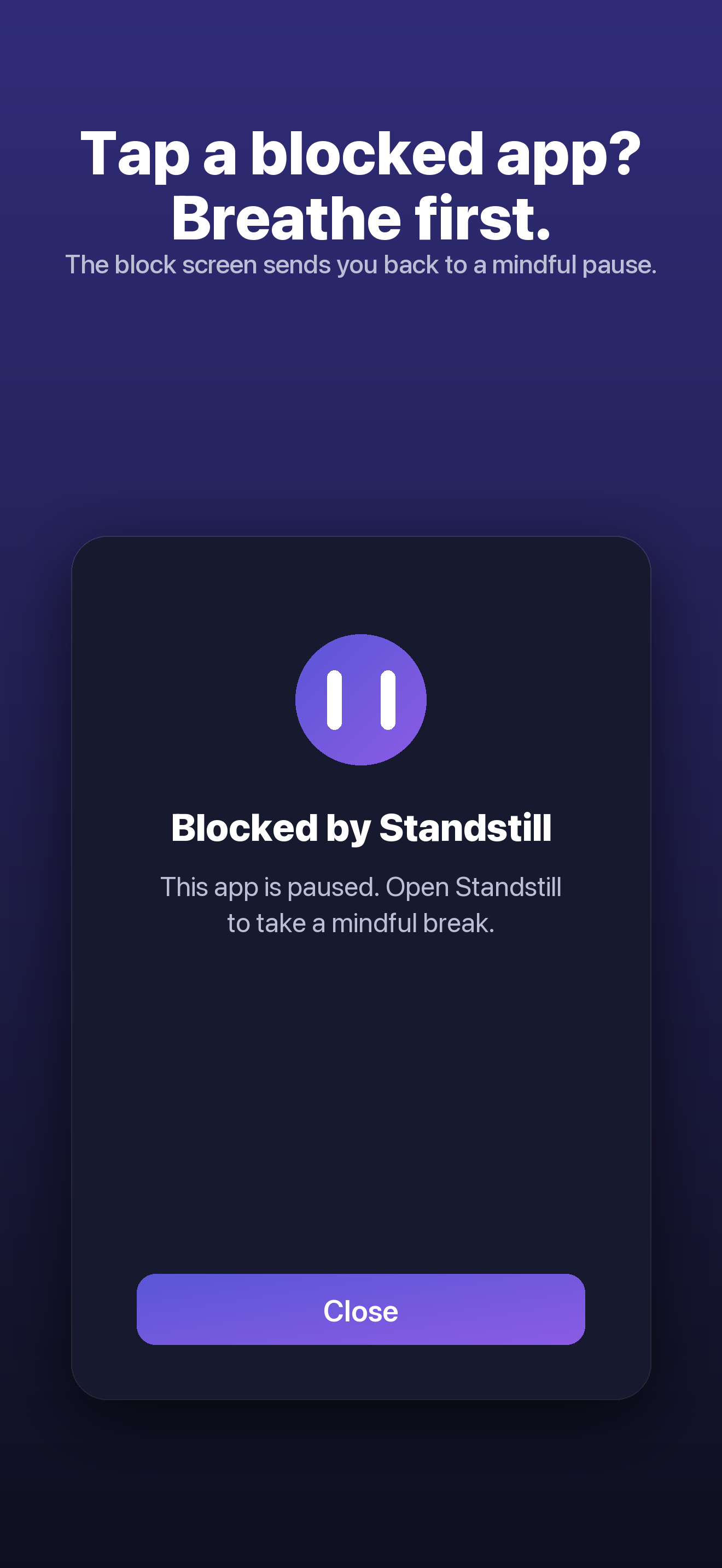
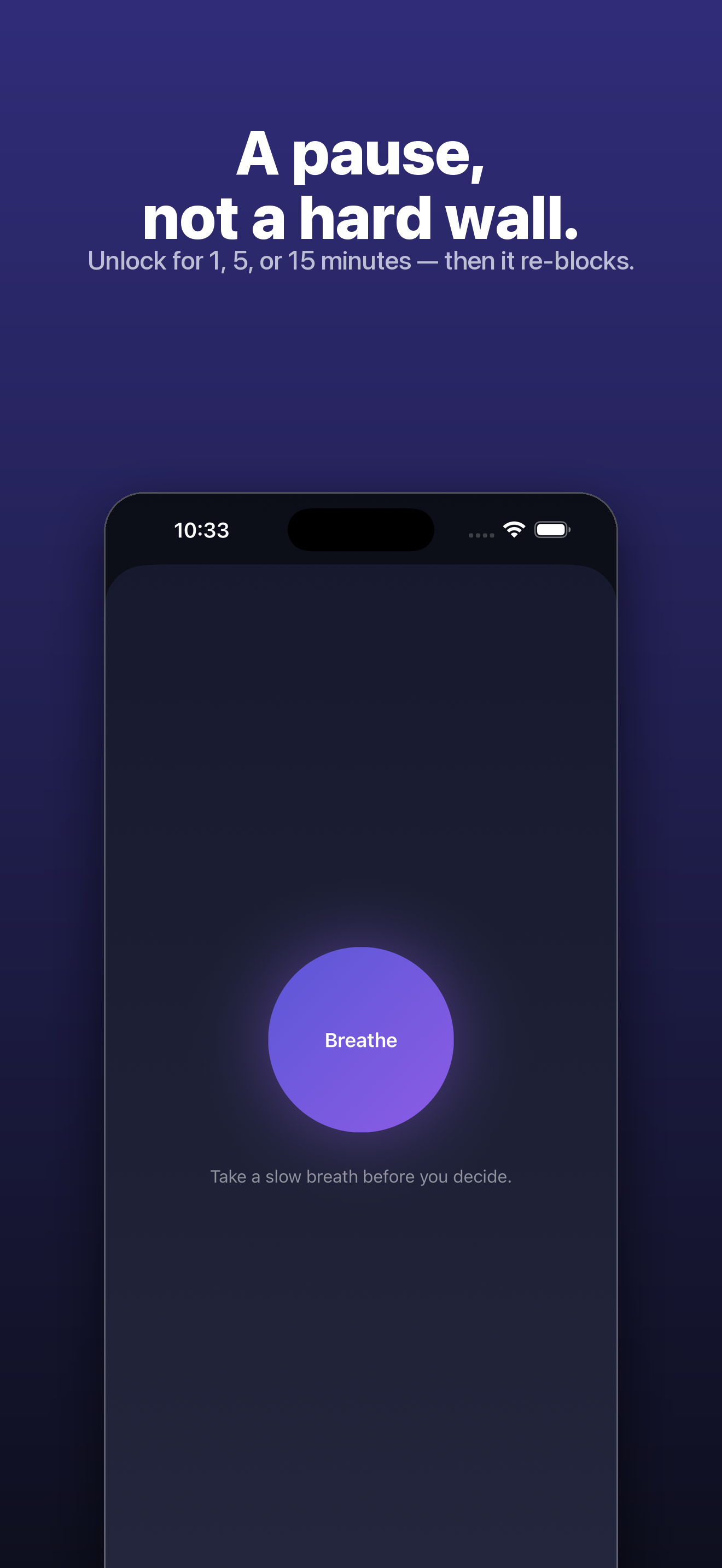
When you reach for a blocked app, Standstill offers a slow breath before you choose a short unlock window if you need one.
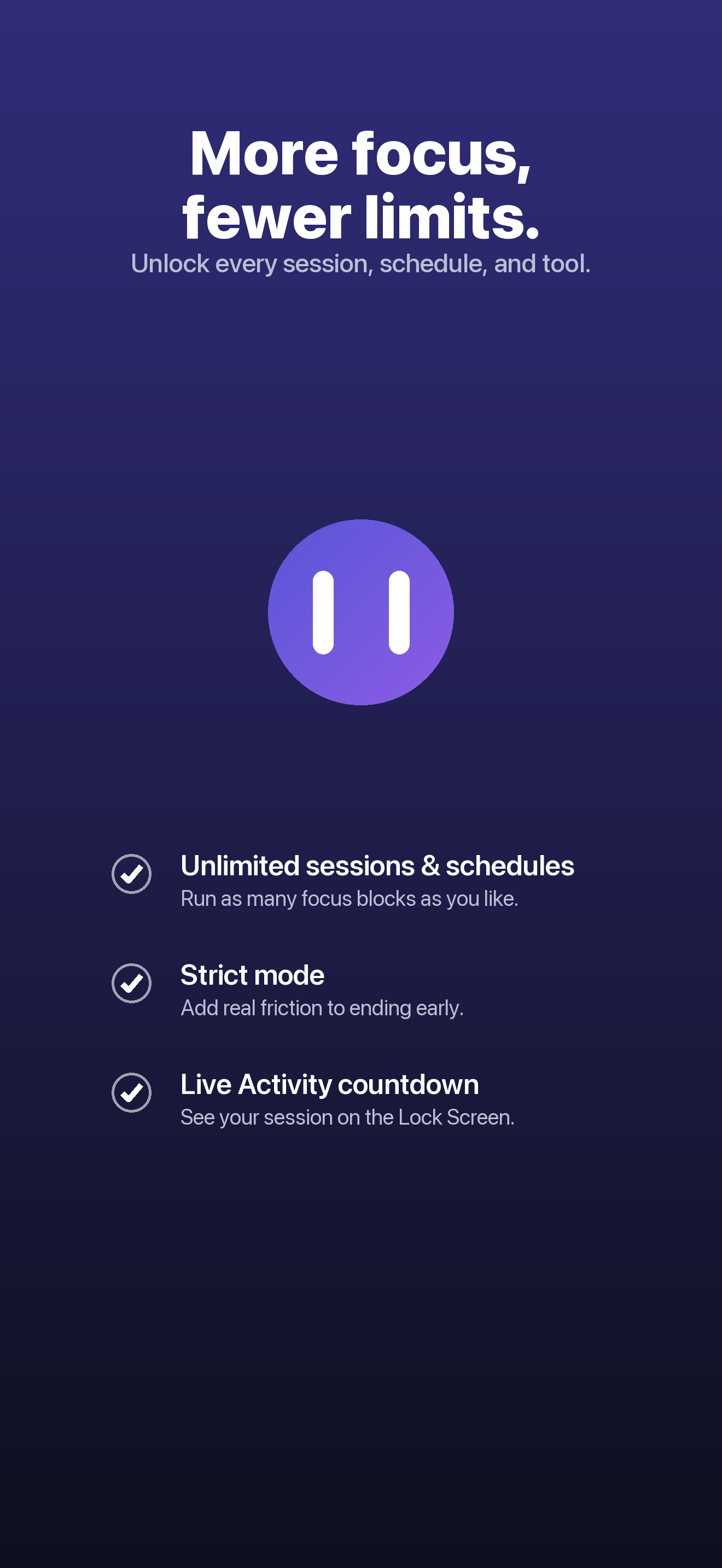
Set recurring focus times and keep sessions running in the background. Standstill does not need to stay open to enforce them.
Strict mode adds a typed phrase and cooldown before ending early. Strong friction, still your choice.
Live Activity keeps the session countdown on your Lock Screen and Dynamic Island.
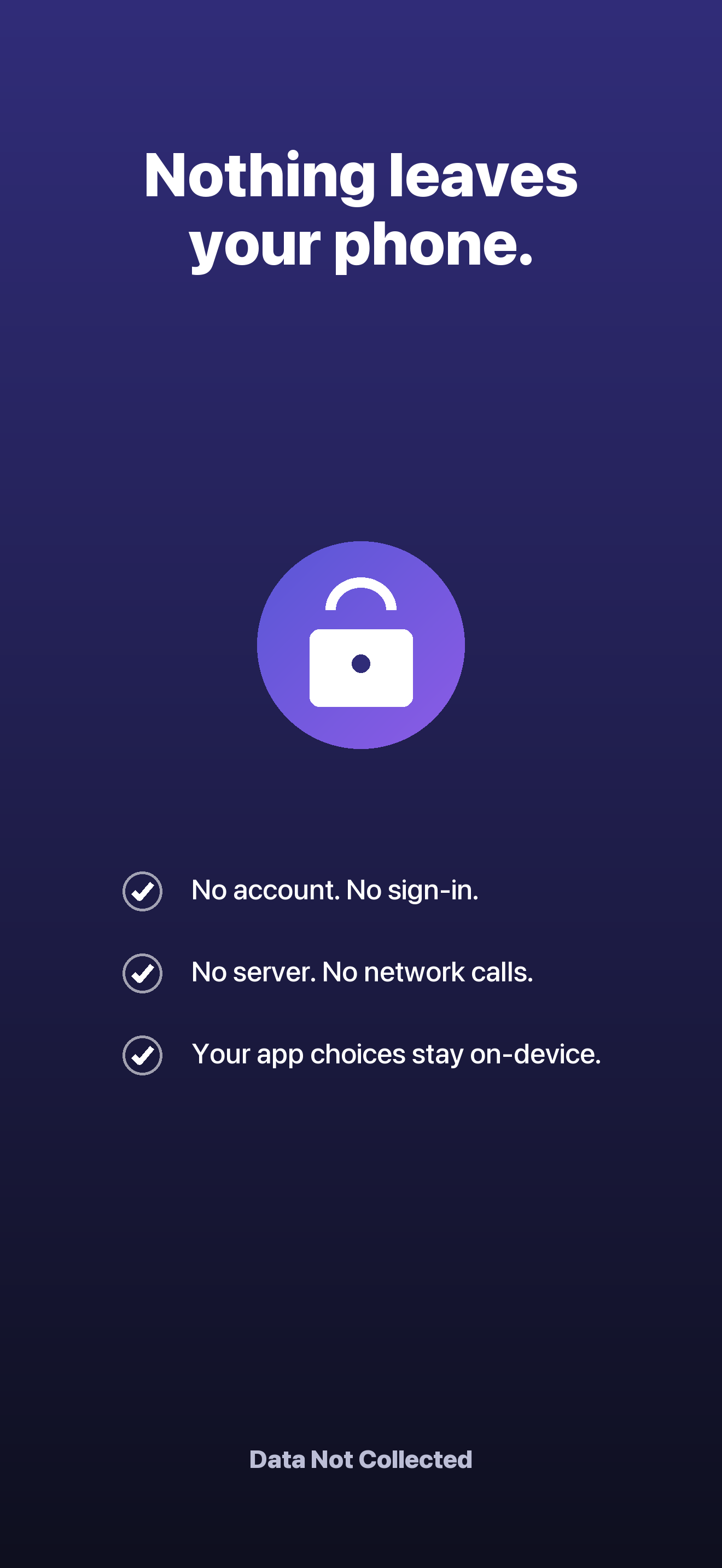
Your app selections stay on your device. Standstill has no account, server, or tracking.
/// A look inside
Set the intention, take the pause, and get back to the part of your day you chose.
/// How it works
Choose the apps and categories to quiet, give the session a name, and start it now or on a schedule.
When you reach for a blocked app, Standstill replaces the reflex with a moment to check in.
Continue your focus or choose a short unlock window. The pause helps you decide; it does not decide for you.
/// Simple pricing
Start free with one session set and one schedule. Upgrade only if you want more room to focus.
$9.99 once
Free forever with 1 session set + 1 schedule. Pro unlocks more ways to make focus yours.
The app is free to download. Pro is a one-time in-app purchase billed by Apple; it does not renew.
/// Good questions
No. The free tier includes one session set and one schedule. Standstill Pro is a single $9.99 purchase with no auto-renewal.
Yes. Standstill is a pause, not a prison. You can take a breath and choose a short unlock window when you decide you need one.
No. Apple's Screen Time keeps your selections private on your device. Standstill has no account or server.
Yes. Once a session or schedule is running, Standstill keeps enforcing it in the background.
/// Focus, on your terms
Take a breath. Decide what happens next. Standstill is free to start on iPhone.
Download Standstill